Agents become risky when they are given tasks before they are given boundaries. If an AI system can plan, browse, use tools, work with files, or operate inside a workflow, the operator’s question shifts from “Can it do the job?” to “What is it allowed to touch, change, and finish without approval?”
- Define permission levels before tasks, especially when tools, code, customer data, or browser actions are involved.
- Separate reversible from irreversible work so useful automation does not become business exposure without anyone noticing.
- Use the approval matrix below to decide when an agent may read, draft, recommend, execute, or stop for approval.
What changed with agents
Recent agentic model releases are being positioned around more action-oriented work. Anthropic’s Claude Sonnet 5 announcement, for example, describes a model built to make plans and use tools such as browsers and terminals. That matters because the workflow is no longer limited to producing text for a human to copy.
A chat answer can be wrong and still remain contained. An agent with tool access can inspect a page, draft a file, prepare a code change, update a workspace, submit a form, or trigger the next step in a process, so for the business the risk moves from a bad output to a bad action.
The problem most teams have with agents is a workflow authority problem. They ask, “What can we automate?” before asking, “Which parts of this workflow should never be automated without a named owner?”
This article fixes that order of questions. Treat agents like junior staff who get permission levels. Do not treat them as magic software with unlimited access.
Define authority first
Before assigning an agent a task, define the operating agreement. It is a business rule as well as a technical setting: what the agent may read, what it may produce, what it may change, and where it must stop.
Start with five inputs. First, name the workflow narrowly. “Sales operations” is too broad. “Prepare renewal account notes from approved CRM fields” is usable. Second, name the human owner. The agent can perform work, but a person owns the consequence.
Third, list the systems involved: browser, inbox, CRM, spreadsheet, code repository, analytics dashboard, internal documents, ticketing tool, payment system, or automation platform. Fourth, classify the data. Customer names, private emails, invoices, contracts, credentials, legal material, financial details, and internal strategy notes deserve tighter controls. Do not upload confidential or sensitive data by default. Use the least data needed, check company policy, and keep access tied to the workflow.
Fifth, define the action boundary. Reading a policy document is not the same as editing it, and the same gap separates drafting a customer reply from sending it, or recommending a refund from issuing one. The boundary marks the point where a convenient action starts to expose the business.
The Business Systems & Operations section has more systems thinking on this kind of workflow design, so keep it close to the implementation conversation.
The approval matrix
Use this matrix whenever an agent touches tools, files, customer records, code, browser sessions, internal documents, or automation platforms. Assign permission by system, not by agent. The same agent may be read-only in one system, draft-only in another, and approval-gated in a third.
Level 1: Read-only
The agent can inspect approved inputs and return summaries, comparisons, extractions, or analysis. It cannot change anything.
- Use when: the job is research, classification, extraction, or understanding.
- Example: summarizing support tickets from an approved export without applying labels.
- Quality check: require the agent to list the inputs it used and what it could not verify.
- Do not allow: saving changes, sending messages, editing records, or clicking workflow buttons.
Level 2: Draft-only
The agent can prepare text, records, code, tasks, or messages for human review. It cannot publish, send, merge, deploy, or save into a live system.
- Use when: the work benefits from speed but still needs human judgment.
- Example: drafting three launch email variants from an approved product brief.
- Quality check: require assumptions, source notes, and any claims that need human confirmation.
- Do not allow: external communication or final changes to customer-facing assets.
Level 3: Recommend
The agent can analyze options and propose a decision. A human still decides.
- Use when: the task contains policy, customer context, commercial judgment, or exception handling.
- Example: recommending whether a billing ticket should be escalated, refunded, or answered with policy language.
- Quality check: require reasoning, risks, confidence, and missing information.
- Do not allow: the agent to turn its recommendation into action without approval.
Level 4: Reversible action
The agent can perform low-risk actions that are logged and easy to undo.
- Use when: the action is internal, reversible, and bounded by clear rules.
- Example: creating a draft task, applying an internal label, preparing a branch, or updating a non-critical working document with history.
- Quality check: require an action log showing what changed, where, and why.
- Do not allow: anything that creates external obligation, financial impact, permanent deletion, or production change.
Level 5: Approval required
The agent must stop before irreversible or high-risk action. This is the line that protects the business.
- Use when: the action affects customers, money, legal commitments, public communication, permissions, production systems, or sensitive data.
- Example: sending an external message, changing billing, deleting records, submitting a form, merging production code, changing customer entitlements, or publishing a campaign.
- Quality check: require a clear approval request with the proposed action, reason, affected system, risk, and rollback plan if one exists.
- Do not allow: vague approval language such as “ask before risky actions.” Name the exact stop points.
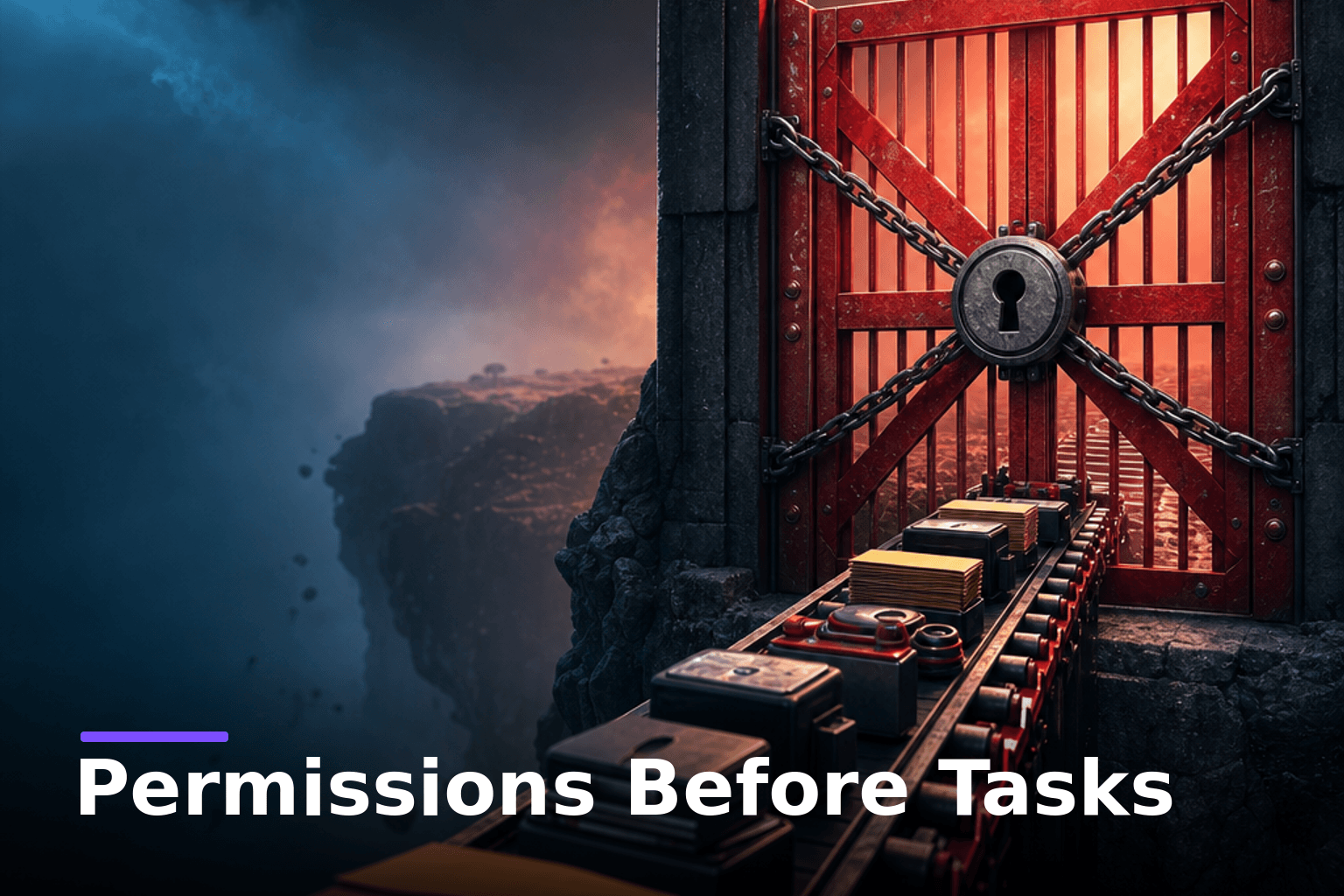
The most important line is between reversible and irreversible work. “Human in the loop” is weak if the human only appears after the damage is done. A useful approval gate sits before the agent crosses a business boundary.
Run the workflow
Once the matrix is written, turn it into operating practice. It is there to make the agent’s authority visible before the first run, and it should not turn into paperwork.
- Write the job as an outcome. Replace “help with support” with “prepare a draft reply for billing questions using the approved policy note and the latest customer message.”
- Map the allowed inputs. Include only what the agent needs. If it does not need a full CRM export, do not provide one.
- Assign permission by system. Read-only in the CRM, draft-only in email, recommend-only for refunds, reversible action for internal labels.
- Name the approval triggers. Stop before sending, deleting, publishing, purchasing, changing billing, changing permissions, editing live customer records, committing code, deploying, or submitting forms.
- Require an action log. The run should show what the agent read, drafted, changed, could not verify, and escalated.
- Start with harmless runs. Test read-only and draft-only work before allowing reversible execution.
- Promote slowly. Move permissions based on the reliability you have observed, however enthusiastic you are about the agent.
- Review exceptions early. Look at failed actions, approval requests, refusals, and unexpected outputs. Then tighten the workflow as well as the prompt.
Imagine a marketing operator preparing a launch email. A poor instruction says: “Research the product, write the email, update the campaign, and send it.” A better instruction says: “Read the approved product brief, draft three email options, recommend one for the stated audience, prepare a draft campaign entry if drafts are available, and stop before scheduling or sending.” Nothing about the model changed between the two, and the improvement is in the permission design.
The same logic applies to coding. An agent may inspect a bug report, draft a failing test, propose a fix, and explain its changes. Merging, deploying, deleting data, touching credentials, or changing production behavior should require human approval unless the business has a mature release process with separate safeguards. The agent may do the mechanical work, while the operator still owns the consequence.
Where agents fail
The first failure mode is permission stacking. A team gives read access to documents, write access to a workspace, and browser access for research, then treats the combination as harmless, when read plus write plus web action together create operational reach.
The fix is to review the workflow as a chain. Ask: if the agent reads this input, drafts this output, and can click this button, what could happen without another person noticing? If the answer includes customer impact, money movement, legal commitment, production change, or public communication, add an approval gate.
The second failure mode is hiding judgment inside administrative language. “Update account tiers,” “approve this refund,” “prioritize these leads,” and “clean this database” can sound simple. They often contain policy interpretation, customer context, exceptions, and commercial judgment. Let the agent recommend unless the rule is explicit and the action is low risk.
The third failure mode is trusting self-checks too much. An agent may review its own output or continue until it believes the job is complete. That can catch obvious gaps, but it does not replace business review. The model checks against its instruction. The operator checks against policy, customer context, permissions, brand risk, and commercial impact.
The fourth failure mode is expanding data access because it is convenient. Convenience is a weak reason to expose private data. Redact what the agent does not need. Use sample records for testing. Prefer approved knowledge bases over inbox dumps. Keep private data out unless the policy, the owner, and the need are all clear.
Permission prompt
Use this prompt before an agent begins work with tool access. Fill the fields yourself. Do not ask the model to invent its own authority.
You are acting as a workflow agent under explicit permission limits.

Business context:
Workflow name:
Human owner:
Business objective:

Allowed inputs:
Approved documents, records, pages, repositories, datasets, or tools:
Inputs that are not allowed:

Data restrictions:
Use only the minimum data required for the task.
Do not request or use confidential, regulated, credential, payment, legal, medical, or unnecessary personal data unless the human owner confirms approved access.
If required information is missing, ask for the minimum safe input.

Permission levels by system:
System 1:
Permission level: read-only, draft-only, recommend, execute reversible actions, or request approval for irreversible actions
System 2:
Permission level:
System 3:
Permission level:

Approval triggers:
Stop and request human approval before any action that sends, publishes, deletes, overwrites, purchases, changes billing, changes permissions, modifies customer records, commits code, deploys, submits a form, or creates an external obligation.

Task:

Required output:
1. Planned steps before action.
2. Work performed within the permission limits.
3. Drafts or recommendations produced.
4. Items that require human approval.
5. Assumptions, uncertainties, and missing information.
6. Action log showing inputs used and changes made.

Quality rule:
If the task requires authority beyond the listed permission levels, stop. Do not improvise around the limit.
This belongs at the start of the run, before the agent has wandered through the workflow. Attach it to the workflow documentation and make the owner update it when systems, rules, or risk levels change.
The AI in Practice pillar has more practical AI operating patterns that connect tool use with human review.
The speed objection
The obvious objection is that permission gates slow agents down. In the first version of a workflow, they do. That is acceptable: on day one you are after safe autonomy in the parts of the workflow where the business can tolerate machine action, and maximum autonomy is not the target yet.
Removing approval too early creates expensive speed: wrong emails sent quickly, records changed without context, files overwritten, duplicate tasks created, or customer promises made by accident. A better question than “How do we remove the human?” is “Which approvals still carry real judgment?”
Some gates can loosen over time. If an agent reliably applies internal ticket labels under clear rules, that may become reversible execution. If it drafts renewal notes well but pricing depends on account history, keep pricing under human approval. A permission level should move when the evidence supports the move.
This is also why tool selection should not start the conversation. The workflow decides the permission model, and the tool only runs inside it. Use Tools & Teardowns thinking once the boundaries are clear.
Next step
Pick one agent workflow your team wants to automate. Before writing the task prompt, write its permission levels: owner, inputs, systems, data restrictions, allowed actions, approval triggers, and action log. If you cannot name those items, the workflow is not ready for autonomy.
Start with read-only or draft-only work, review the output, then promote permissions only where the action is reversible, logged, and boring. The AI drives the work, and the operator designs the system it runs in.
Where does your business actually stand?
Before you bolt on another tool, it is worth knowing whether your business runs on systems or on you. I put together a free 2-minute assessment that gives you a straight read on exactly that, and the first thing to fix. Take the free assessment.
Not sure where to start?
The free System Fit Check: nine questions in about five minutes that suggest one system to start with, and a free next step.
Start the Free Fit CheckSharper signal. Smarter decisions.
Join our newsletter for our best thinking on AI and systems, delivered straight to your inbox - no noise.